2D vs 3D Kitchen Plans: Choose Faster in 2026
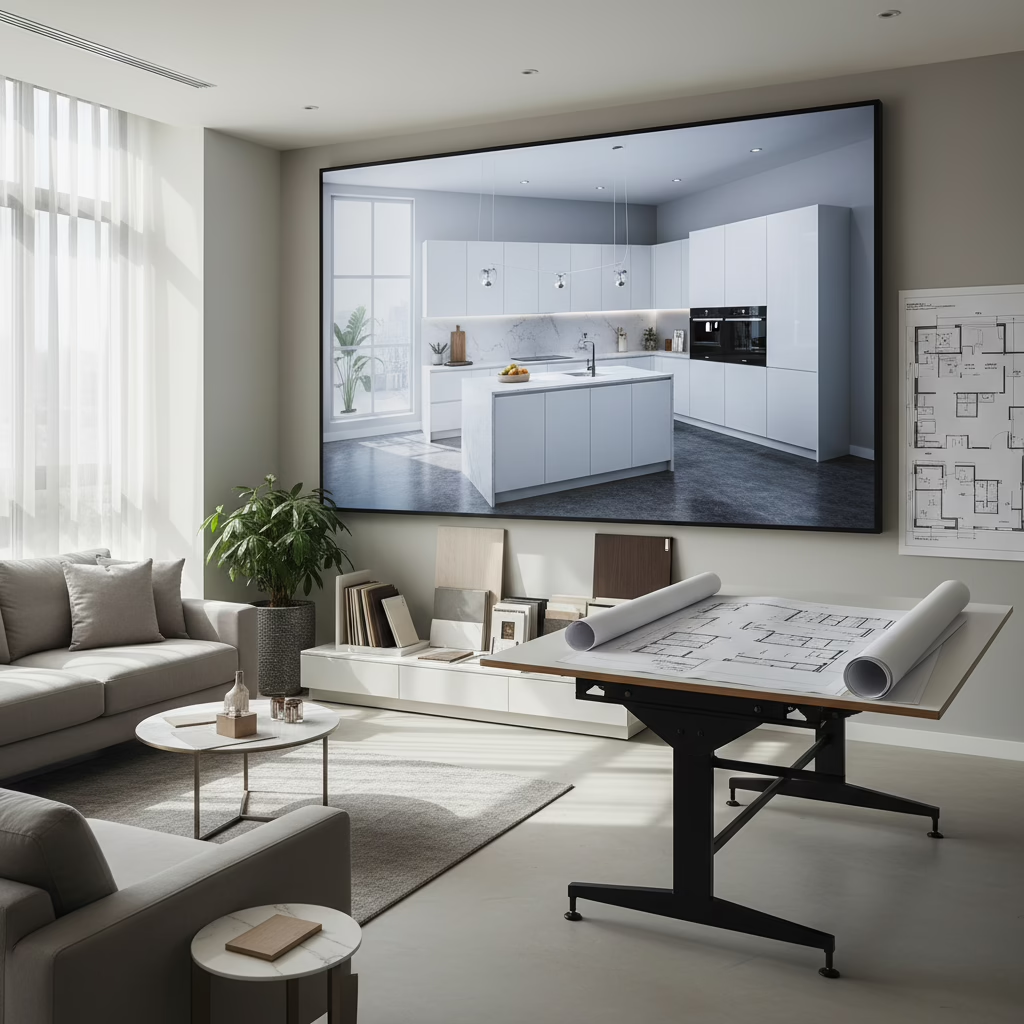
2D vs 3D kitchen design software describes tools for flat, scaled plans and lifelike renders. The winning approach is hybrid: lock measurements in 2D for accuracy, then validate finishes and lighting in 3D. This sequence reduces rework, speeds approvals, and helps families agree faster—especially on cabinets, counters, and lighting.
By Ashok, Altima Kitchens and Closets • Visit our Brampton showroom • Last updated: 2026-04-18
Quick Answer
Use 2D vs 3D kitchen design software together: 2D for dimensions, clearances, and cabinet counts; 3D for finishes, lighting, and sightlines. At our 11 Edvac Drive showroom in Brampton, Altima Kitchens and Closets pairs both to finalize storage, appliance placement, and door styles before factory production.
Quick Summary
Start in 2D to confirm wall lengths, appliance clearances, and code-aligned work zones. Move to 3D renders to compare door profiles, countertop colors, and lighting day versus night. Teams that blend 2D precision with 3D visualization make decisions sooner and avoid late-stage changes.
- The topic: 2D vs 3D kitchen design software for residential remodels.
- Best sequence: 2D measurement certainty → 3D style and lighting sign-off.
- Real-world result: clearer expectations, fewer surprises, and smoother installs.
- Altima method: in-house design, 2D/3D drawings, factory-direct build, pro install.
- Local note: Drop by 11 Edvac Drive to see samples, quartz, and door profiles.
Introduction
2D plans answer “Will it fit?” while 3D renders answer “Do we love it?” A measured 2D layout prevents clearance errors; 3D images show how finishes, textures, and lighting behave in real scenes. Use both before ordering materials to protect timelines and quality.
- 2D delivers scale, dimensions, and elevations that fabricators rely on.
- 3D delivers realism so families can assess color, grain, sheen, and shadows.
- Altima’s workflow: consult → 2D plans → 3D renders → factory build → in-house install.
- Measured facts matter: standard base cabinets are typically 24 inches deep and 34.5 inches high before countertops; islands often target 36 inches finished height.
- Design rules count: recommended work aisles are commonly 42–48 inches for multiple cooks; landing zones at cooktops are often 12–15 inches minimum on one side.
Here’s the thing: your eyes and tape measure solve different problems. We use each at the right time so your kitchen looks great and functions safely.
Quick Comparison Table: 2D vs 3D Kitchen Design Software
Pick 2D tools for fast space planning, elevations, and cabinet counts. Pick 3D for photoreal previews, lighting checks, and stakeholder buy‑in. Most homeowners should start in 2D, validate in 3D, then lock specs for manufacturing and installation.
| Category | Best For | Learning Curve | Primary Output | Lighting & AR | Cabinet Library Depth | Sharing | Ideal User |
|---|---|---|---|---|---|---|---|
| 2D planners | Speed + dimensions | Low | Plans, elevations | Minimal | Basic to moderate | PDF/DWG | DIY, early planning |
| 3D renderers | Finishes + lighting | Medium | Photoreal images, tours | Strong | Moderate | Links/Images | Homeowners |
| Kitchen CAD | Catalog accuracy | Medium–High | 2D + 3D + schedules | Moderate | Extensive | PDF/Reports | Design/build teams |
| Architectural BIM | Whole‑home scope | High | Models + sheets | Moderate | Custom | Cloud/Teams | Architects |
Our Top Pick
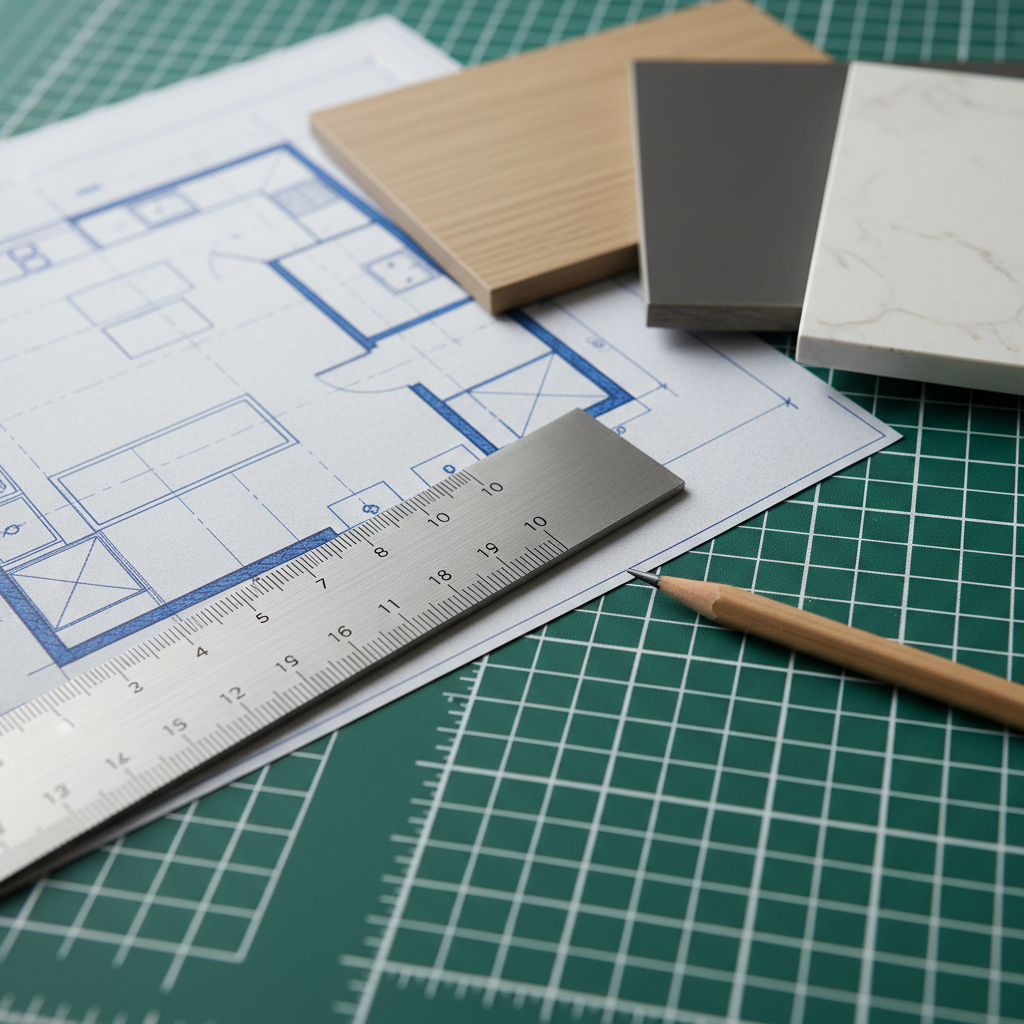
For kitchen projects that must look right and install smoothly, pair a cabinet catalog–driven kitchen CAD for 2D accuracy with a modern 3D renderer for lifelike visuals. This blend speeds quoting, reduces ordering mistakes, and earns faster family approval.
- Best pro combo: kitchen‑specific CAD (for dimensions, elevations, cabinet schedules) + photoreal renderer (for lighting and finish decisions).
- Best homeowner combo: intuitive 2D web planner + easy cloud 3D viewer for phones and tablets.
- Why this wins: 2D prevents fit issues; 3D aligns expectations—before we cut a single panel.
- Local example: A Brampton L‑shaped kitchen with a 96‑inch island moved from 2D sign‑off to 3D finish confirmation in one week, then straight to our factory line.
- Manufacturing hand‑off: Approved drawings drive Italian CNC machining and professional spray finishes for consistency across doors and panels.
In our experience, hybrid design shortens decision cycles by days because people react faster to visuals than to linework alone.
Top 12 Tools: 2D and 3D Kitchen Design Software (2026)
Choose software by output: If you need measurements and cabinet counts, prioritize 2D accuracy. If you need style and lighting buy‑in, prioritize 3D realism. Many GTA projects use one for planning and another for presentation to keep momentum.
1) Kitchen‑Specific CAD with Manufacturer Catalogs
- Best for: designers and renovators who rely on cabinet catalogs and accurate schedules.
- What it does: produces scaled plans, elevations, 3D views, cabinet counts, and accessory lists (spice pull‑outs, tray dividers, corner solutions).
- Why it matters: manufacturer parameters reduce errors in door sizes, fillers, and toe kicks; reports support ordering and install sequencing.
- Altima example: We align catalog door profiles with our lifetime‑warranty MDF Painted and Prelaminated lines for confidence in long‑term performance.
- Look for: elevation detail, crown/valance controls, and clean PDF exports; DWG/DXF sharing helps coordinate with trades.
- Numbers to know: typical refrigerator panels are 24 inches deep; plan 1–1.5 inches of scribe clearance near walls for real‑world tolerance.
2) Sketch‑Based 3D Modelers
- Best for: flexible custom details, quick massing, and plugin‑powered visualization.
- Strengths: vast community libraries, fast iteration, and excellent concept modeling for unique hoods or media walls.
- Altima use: We often mock up custom bars and media units to show proportions against a 9‑foot ceiling and 12–18 inch deep built‑ins.
- Watch‑outs: layer/tag discipline prevents messy drawings; ensure components are scaled to real cabinet depths (24 inches base, 12 inches wall).
- Action tip: lock reference axes, use groups/components, and save scenes for client‑friendly walkthroughs.
- Data point: at 36 inches counter height, pendants usually hang with 30–36 inches clearance above the island surface for comfortable sightlines.
3) Homeowner‑Friendly 2D Planners
- Best for: first drafts, appliance placements, and simple cabinet runs.
- Why homeowners love it: low learning curve, web access, and shareable links to show family members.
- Limitations: basic libraries and limited reporting; still, they’re perfect for starting the conversation.
- Pro move: Bring your plan to our 11 Edvac Drive showroom; we’ll verify clearances and storage needs together.
- Numbers to check: dishwasher doors swing about 24 inches—keep at least 21–24 inches clear in front to load comfortably.
- Altima tip: Add placeholders for pull‑out pantry units (typically 18–24 inches wide) so you don’t forget space for hardware and slides.
4) Photorealistic Renderers
- Best for: finish selection, lighting realism, and mood boards that drive quick approvals.
- Capabilities: ray tracing, emissive under‑cabinet strips, accurate shadows, and PBR textures for quartz veining and wood grain.
- Result: near‑photo images to compare white vs. warm gray shaker doors, matte vs. polished quartz, and linear vs. puck lighting.
- Test this: render day and night scenes to assess glare and shadowing; 2700K–3000K warm light is popular for cozy kitchens.
- Altima note: We routinely preview backsplash grout line visibility at 1/8–3/16 inch to ensure the pattern reads the way you expect.
5) Architectural BIM Suites
- Best for: whole‑home renovations or condos where layout changes touch structure, HVAC, or plumbing stacks.
- What stands out: model‑based schedules, section cuts, and clash checks with other trades to prevent field conflicts.
- When to choose: if you’re moving walls, adding beams, or tying into an addition—BIM clarifies impacts beyond the kitchen.
- Data point: standard door rough openings are commonly 2–2.5 inches wider than the slab width; BIM keeps these relationships accurate.
- Altima practice: We sync kitchen specs to broader changes so countertop seams, panels, and trims integrate cleanly with floors and walls.
6) ProKitchen‑Style Specialists
- Best for: cabinet shops and retail contexts that need accurate catalog pricing logic and rapid quote cycles.
- Strengths: library fidelity for doors, moldings, and accessories; practical for L‑ and U‑shaped kitchens with catalog parts.
- Trade‑off: less flexible for ultra‑custom millwork curves or complex built‑ins than general 3D suites.
- Helpful outputs: cabinet lists, door quantities, and colorways to speed sign‑off.
- Numbers: typical toe kicks are 3–4 inches high; confirm if you’re using furniture bases or decorative feet that alter heights.
7) RoomSketcher/HomeByMe Class
- Best for: DIY users who want polished 2D with instant 3D tours for buy‑in.
- Why it works: intuitive interfaces and mobile‑ready viewing; families can react quickly from the couch.
- Use case: Toronto condo galleys where 36–42 inch aisles are tight; quick iterations prove if a 24 inch depth fridge is mandatory.
- Pro tip: check triangle and landing areas against recognized guidelines; a refrigerator landing area of 15 inches is a common target.
- Altima help: We pressure‑test narrow layouts and suggest storage like tray dividers and spice pull‑outs to maximize every inch.
8) Planner 5D/Sweet Home 3D
- Best for: hobbyists and first‑timers experimenting with layouts.
- Strengths: drag‑and‑drop ease and fast visuals that spark ideas.
- Limitations: dimensions and libraries can be simplistic; confirm critical sizes before approving cabinetry.
- Upgrade path: move to a pro tool when you’re ready to finalize specs, reports, and elevations.
- Reality check: wall cabinets at 12 inches deep and 18 inches above counters are common starting points; adjust for tall users or appliances.
9) Cloud 3D with AI Staging
- Best for: quick style variations and on‑demand mood exploration.
- Strengths: rapid material swaps, cloud rendering, and device‑agnostic viewing links.
- Critical reminder: verify all measured dimensions in 2D; AI assist is inspiration, not a substitute for precise clearances.
- Numbers: islands often need a minimum of 36 inches walkway clearance; extend to 42–48 inches for multiple cooks.
- Altima tip: Use AI to test door colors or backsplash patterns, then finalize selections with real samples in our showroom.
10) CAD Foundations (AutoCAD LT Tier)
- Best for: detail‑oriented 2D control and coordination with consultants.
- Why it’s valued: layer standards, reusable blocks, and DWG interoperability make it a drafting backbone for many pros.
- Use when: you’re sharing measured drawings with architects/engineers or documenting as‑builts at 1/4 inch = 1 foot scale.
- Trade‑off: minimal native 3D visualization—plan to pair with a renderer for final look/feel.
- Spec note: typical crown heights range 3–6 inches; plan returns at ceilings that vary from 96 to 108 inches.
11) Chief Architect/Home Designer Class
- Best for: residential remodelers wanting 2D/3D in a single package.
- Standouts: parametric cabinets, live elevations, automatic sections, and capable built‑in rendering.
- Where it shines: fast “as‑built” to “proposed” comparisons in meetings to validate island size or remove/keep a wall decision.
- Data point: peninsula overhangs of 12 inches often need support beyond that; 15–18 inches require brackets or legs.
- Altima note: Handy when kitchens tie into mud room cabinets or custom media walls in adjacent spaces.
12) Coohom / Foyr Neo / Cedreo
- Best for: rapid cloud‑based renders and easy client collaboration links.
- Strengths: web access, growing material libraries, and decent lighting tools for quick decisions.
- Things to test: export formats (PDF, PNG, sometimes DWG) and cabinet parametrics before you commit to a workflow.
- GTA reality: ideal for homeowners who want to preview options on mobile and share with family instantly.
- Measurement check: verify panel and filler sizes (often 1.5–3 inches) to accommodate wall variations and scribe on site.
Free Design Walkthrough (Soft CTA)
- Bring a rough 2D sketch or any 3D ideas to our Brampton showroom.
- We’ll confirm storage, lighting, and appliance clearances together.
- See door styles, quartz, and hardware in person before we manufacture.
- Ask about flexible financing with 0% down and fast approvals.
How to Choose the Right Workflow
Decide by deliverable: Use 2D when you need scaled measurements and cabinet counts; use 3D when you need confident finish and lighting sign‑off. Most families do both before fabrication to reduce risk and keep schedules tight.
Start with Measuring and Rules
- Capture wall lengths to the 1/8 inch, ceiling heights, door swings, and window sizes.
- Mark plumbing, gas, vents, and electrical that affect cabinet runs and appliance choices.
- Check recognized guidelines: 42–48 inch work aisles, 24 inches landing space beside ovens, 15 inches refrigerator landing.
- Record appliance depths; counter‑depth fridges are around 24–27 inches without doors—depth drives aisle comfort.
- Altima step: We verify measurements on site before finalizing drawings to protect against surprises during install.
Move into 2D Space Planning
- Test L, U, galley, and island options; place tall elements (fridge/pantry) first.
- Confirm work zones and triangle relationships; keep major traffic clear of the cooking zone.
- Count cabinets, panels, fillers (often 1.5–3 inches), and accessories like spice pull‑outs or lazy susans.
- Generate elevations that show crown returns, valance lights, and backsplash terminations.
- Action item: produce a cabinet schedule so each box, door, and accessory is enumerated for manufacturing.
Validate with 3D Visualization
- Compare shaker vs. slab doors, matte vs. polished quartz, and grout thickness at 1/8 vs. 3/16 inch.
- Preview under‑cabinet strips at 2700K vs. 3000K and pendant heights at 30–36 inches above counters.
- Check sightlines from entries, dining, and living zones; ensure pendants don’t block views.
- Share images or cloud links to align decision‑makers quickly—this often saves days of back‑and‑forth.
- Altima practice: We host design reviews in our showroom so decisions happen with real samples in hand.
Want a deeper framework for picking a fabrication partner? See our choosing cabinet manufacturers guide for quality signals and pitfalls.
Buying Guide: Features That Actually Matter in 2026
Prioritize accuracy, cabinet intelligence, and lighting realism. Add export options for coordination and cloud sharing for busy families. AR/VR helps with island sizing and walkway comfort when you’re on the fence between 36 vs. 42 inch clearances.
- Measurement accuracy: dimensions to 1/8 inch reduce field adjustments.
- Cabinet parametrics: control widths, heights, toe kicks, fillers, crown, and valance details.
- Accessory library: spice pull‑outs, tray dividers, blind‑corner solutions, pull‑out pantries (18–24 inches wide).
- Lighting engine: emissive strips, color temperature presets, accurate shadowing for day/night scenes.
- Material realism: quartz veining scale, wood grain direction, sheen options (matte/semi‑gloss).
- Export formats: PDF, DWG/DXF, and cabinet schedules for installers and fabricators.
- Cloud collaboration: mobile links and comments for quick family approvals.
- AR/VR preview: walk through at real scale to judge aisle widths and pendant spacing.
| Feature | Why It Matters | What Good Looks Like |
|---|---|---|
| 2D accuracy | Prevents fit issues | Scaled PDFs + dimension styles |
| Cabinet logic | Speeds ordering | Parametric boxes + fillers |
| 3D lighting | Finish confidence | Ray‑traced, day/night presets |
| Exports | Team coordination | DWG/DXF + schedules |
| Cloud sharing | Fast buy‑in | Links with comments |
If you’re selecting a partner, our 3‑step guide to find kitchen makers outlines how to check references and evaluate shop capabilities.
Local Tips
- Tip 1: When visiting 11 Edvac Drive, park near the south entrance for fastest access to samples and the design desk.
- Tip 2: Weekends are popular—bring appliance model numbers and a rough 2D sketch to speed your consultation.
- Tip 3: Condo planning? Ask about elevator dimensions and service windows so cabinet modules are sized to move easily.
IMPORTANT: Phone photos and a simple floor plan help us produce a realistic 3D preview on the spot.
Methodology
We rated tools on measurement accuracy, cabinet intelligence, library depth, lighting realism, exports, and collaboration. We weighted features that prevent change orders and delays—because those protect timelines and quality in real GTA renovations.
- Real testing: modeled L‑, U‑, and galley kitchens; checked islands from 72–108 inches with 36–48 inch aisles.
- Quality signals: tolerance to 1/8 inch, elevation controls for crown/valance, and accessory libraries for pull‑outs and dividers.
- Collaboration: link sharing, comments, and mobile viewing for busy families and stakeholders.
- Interoperability: DWG/DXF, PDF, and schedule exports for installers and allied trades.
- Standards: validated layouts against widely recognized kitchen design guidelines and safe clearances.
- Mini case: A Mississauga U‑shape with a 42 inch aisle moved from 2D to 3D sign‑off in two sessions, keeping fabrication on schedule.
Curious how design choices impact manufacturing? Our benefits of hiring kitchen makers article explains the shop‑floor advantages of clean drawings.
FAQ
Most homeowners benefit from both 2D and 3D—but at different phases. 2D locks measurements; 3D locks style and lighting. These answers reflect the questions we hear daily in our Brampton showroom.
Are 2D plans enough for a kitchen renovation?
They’re essential but not enough. 2D drawings nail dimensions, clearances, and cabinet counts. 3D resolves finishes, lighting, and how the room feels. Using both reduces revisions and aligns expectations, so fabrication and installation run smoothly.
What advantages does 3D add if my 2D is accurate?
3D shows color, texture, reflections, and light behavior. You can compare quartz veining scale, door profiles, hardware finishes, and backsplash patterns under realistic lighting. Families decide faster with fewer second guesses because they’ve “seen” the result.
Can I switch from 2D to 3D mid‑project?
Yes—and you should. After measurements are locked in 2D, move to 3D to validate finishes, lighting, and sightlines before final approvals. That sequence preserves momentum and prevents rework.
What files should I ask my designer for?
Request scaled PDFs of plans and elevations, a cabinet list with accessories, and 3D stills or a link. For larger remodels, ask for DWG/DXF exports so architects or engineers can coordinate changes accurately.
Does 3D modeling help with manufacturing quality?
Absolutely. Clear 3D visuals align expectations, while accurate 2D and schedules drive precise fabrication. At Altima, approved drawings feed Italian CNC machining and a professional spray booth for consistent finishes.
Conclusion
Treat 2D and 3D as a relay team. 2D secures fit; 3D secures feel. Approve both before fabrication and your renovation stays on schedule, your installation runs smoother, and your finished kitchen matches the vision in your head.
Key Takeaways
- Use 2D to confirm space, counts, and elevations to 1/8 inch.
- Use 3D to finalize finishes, lighting, and sightlines with confidence.
- Follow recognized guidelines: 42–48 inch aisles, smart landing areas, safe clearances.
- Share visuals early so stakeholders align in days, not weeks.
- Lock drawings before factory production to avoid on‑site improvisation.
Next Step
- Bring your rough 2D sketch to our Brampton showroom at 11 Edvac Drive.
- We’ll produce 2D and 3D designs, then manufacture in our factory.
- Prefer a budgeting framework first? Scan our cabinet budgeting primer to organize choices.
Related Posts
Why Choose Kitchen Renovation Company
Nowadays, Kitchen spaces are not only a place for cooking and serving food, but these areas act as a statement, as they speak a lot about a family, the philosophy and personality of individuals, and spaces. If you admire aesthetics and adorn the beauty of your home, you must pay attention to the interior design […]
How a Kitchen Renovation Contractor is Changing the Game
Lifestyle is all about bringing something coherent to the overall experience of living. The kitchen and closets stand as two of the most influential spaces in a home that add to the overall experience of living. A Kitchen Renovation Contractor in Whitby by the name of Altima Kitchen and Closets Inc. is changing the overall […]
How Media unit contractor in Whitby is Changing the Game
Lifestyle is all about bringing something coherent to the overall experience of living. The kitchen and closets stand as two of the most influential spaces in a home that add to the overall experience of living. A Media Unit Company in Whitby by the name of Altima Kitchen and Closets Inc. is changing the overall […]